Introduction
Deploying applications to production should be a routine process, not a stressful event. However, many development teams still face challenges such as downtime, failed releases, service interruptions, and complex rollback procedures whenever a new version goes live.
As applications grow in scale and user expectations continue to rise, even a few minutes of downtime can impact customer experience and business operations.
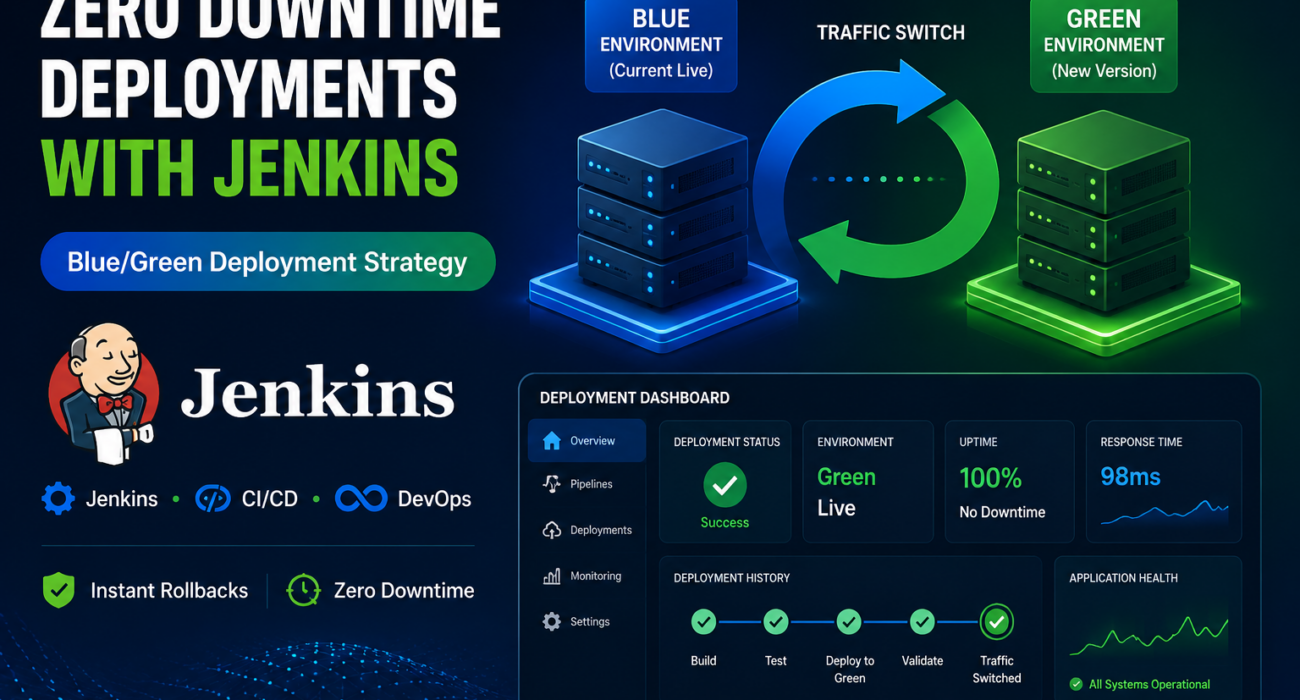
To address these challenges, we implemented Blue/Green Deployment using Jenkins, enabling seamless software releases, instant rollback capabilities, and truly zero-downtime deployments.
In this article, we’ll explore how Blue/Green Deployment works, how Jenkins automates the process, and why it has become a critical strategy for modern DevOps teams.
The Challenge with Traditional Deployments
Many organizations still deploy updates directly to their production environment.
While this approach may seem straightforward, it introduces several operational risks:
- Temporary service interruptions
- Failed deployments affecting live users immediately
- Complex rollback procedures
- Increased deployment anxiety for engineering teams
- Potential loss of customer trust during outages
When production environments are updated in-place, there is little room for error. If something goes wrong, restoring the previous version often requires manual intervention and valuable downtime.
What is Blue/Green Deployment?
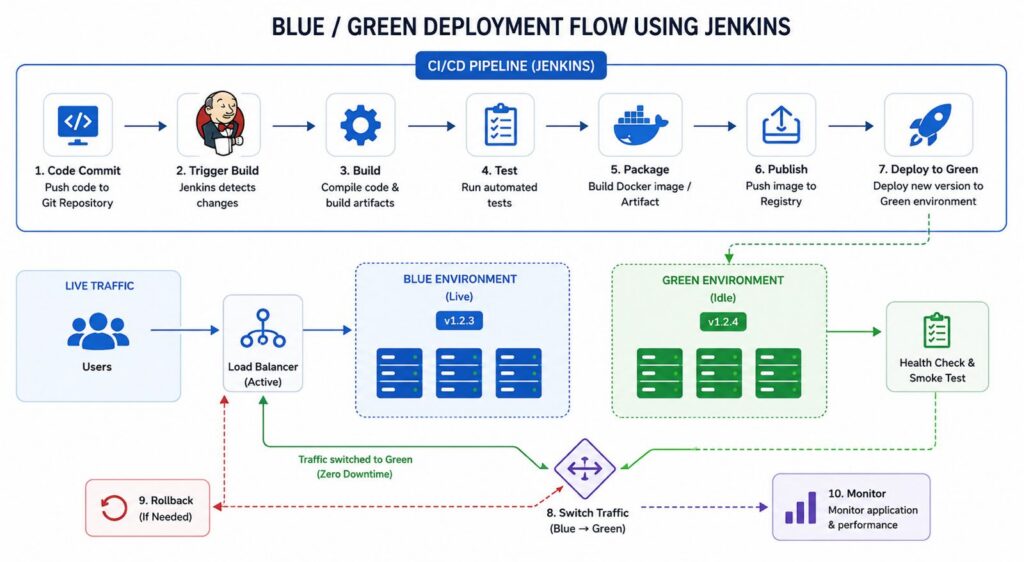
Blue/Green Deployment is a release strategy that maintains two identical production environments.
At any given time, one environment serves live traffic while the other remains available for deploying and validating new releases.
Blue Environment
The Blue environment is the currently active production system serving real user traffic.
Green Environment
The Green environment is an identical replica where the new application version is deployed and tested before being exposed to users.
Because both environments are identical, teams can validate releases safely before switching traffic.
How Blue/Green Deployment Works
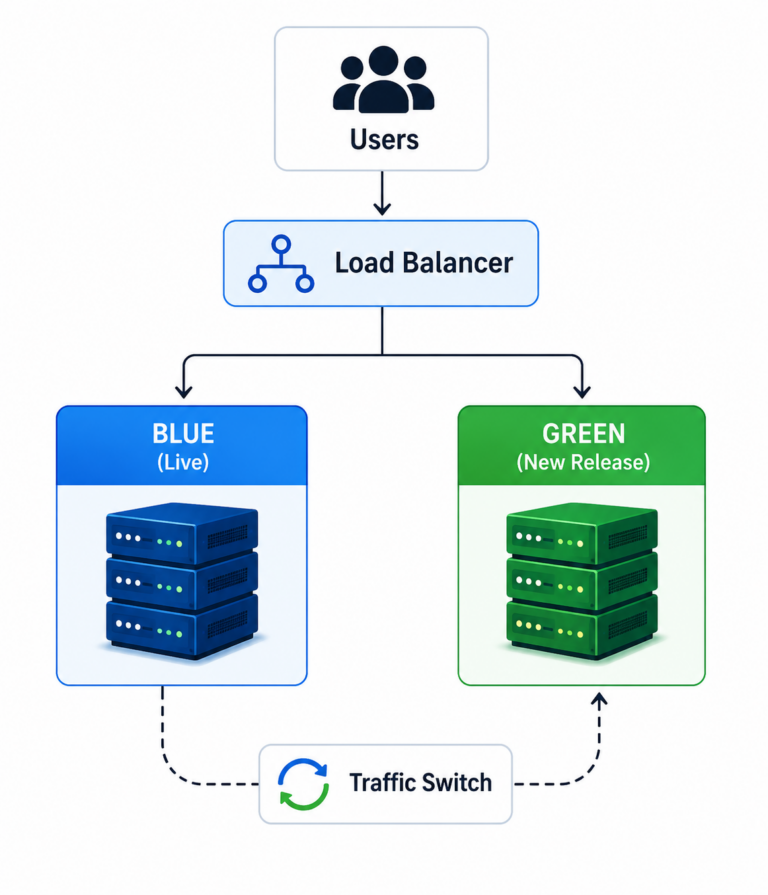
The deployment workflow follows a controlled release process:
Code Commit
↓
Jenkins Pipeline
↓
Build
↓
Automated Testing
↓
Deploy to Green Environment
↓
Health Checks & Validation
↓
Traffic Switch
↓
Monitoring
This workflow ensures that users never experience downtime during application upgrades.
Jenkins-Powered Deployment Pipeline
Jenkins acts as the automation engine that orchestrates the entire deployment process.
1. Code Commit
The deployment process begins when a developer pushes code changes to the source code repository.
This action automatically triggers the Jenkins pipeline.
2. Build Stage
Jenkins compiles the application and generates deployable artifacts.
Depending on the technology stack, this could include:
- Java JAR/WAR files
- Docker images
- Node.js build packages
- .NET deployment packages
3. Automated Testing
Before deployment, Jenkins executes a series of automated quality checks:
- Unit Tests
- Integration Tests
- Security Scans
- Code Quality Checks
Only successful builds proceed to deployment.
Deploying to the Green Environment
Instead of updating the active production environment directly, Jenkins deploys the new release to the inactive Green environment.
This allows teams to:
- Validate application behavior
- Perform testing in a production-like environment
- Identify issues before affecting users
- Reduce deployment risk significantly
The existing Blue environment continues serving users throughout the process.
Health Checks and Smoke Testing
Before traffic is switched, the Green environment undergoes extensive validation.
Typical checks include:
- Application startup verification
- Database connectivity testing
- API response validation
- Third-party service integration checks
- Smoke testing of critical workflows
These validations help ensure the new release is stable and production-ready.
Traffic Switching
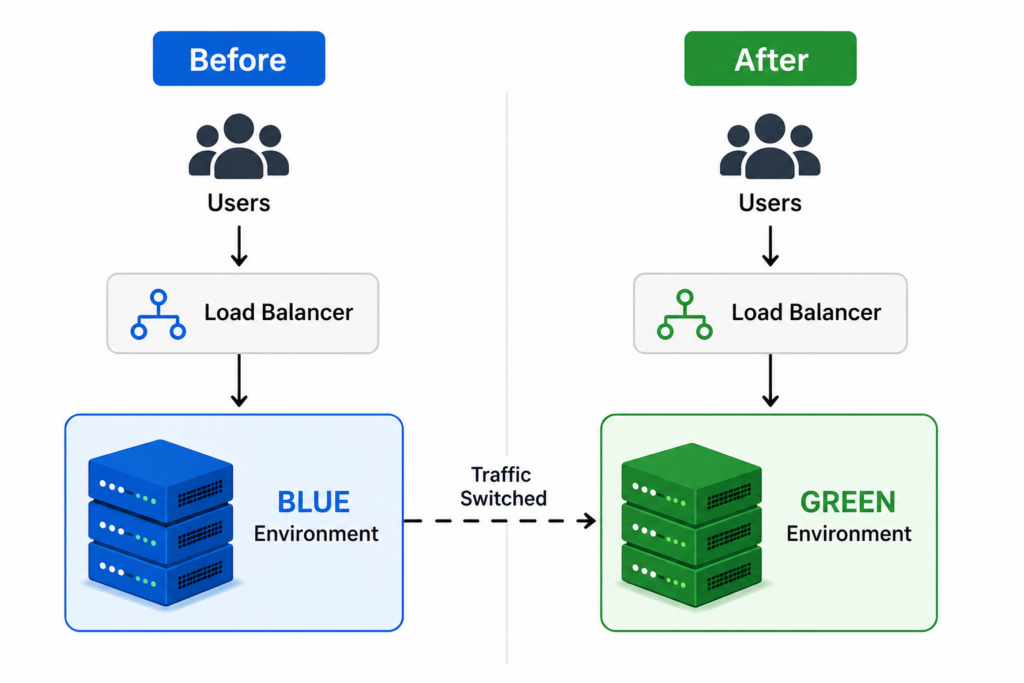
Once validation is complete, traffic is redirected from the Blue environment to the Green environment.
This switch is typically handled using:
- Nginx
- Load Balancers
- Kubernetes Services
- Cloud Traffic Routing Solutions
The transition occurs instantly and transparently to users, resulting in zero downtime.
Continuous Monitoring
Deployment does not end after traffic switching.
Engineering teams continuously monitor:
- Application logs
- Error rates
- CPU and memory utilization
- API response times
- User experience metrics
Monitoring helps quickly identify any issues introduced by the new release, allowing teams to respond proactively and maintain application stability.
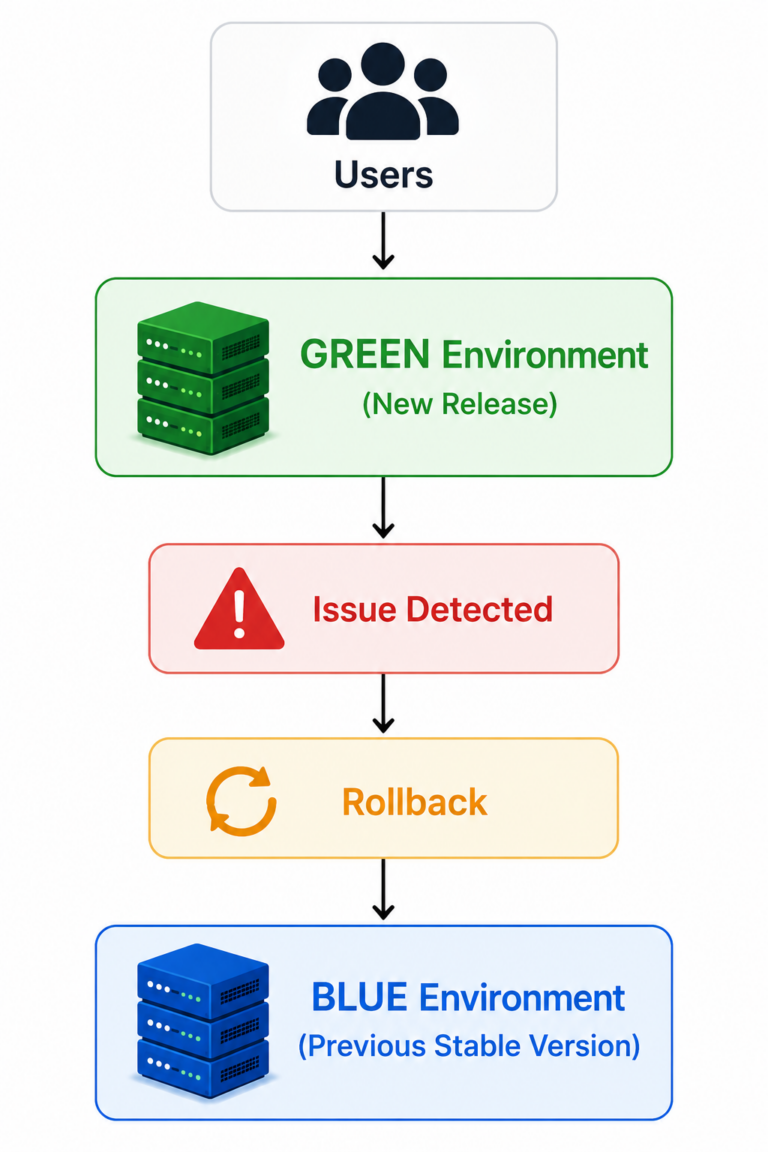
Instant Rollback Strategy
One of the biggest advantages of Blue/Green Deployment is its rollback simplicity.
If problems are detected after deployment, traffic can immediately be redirected back to the Blue environment, allowing teams to restore the previous stable version with minimal disruption.
Unlike traditional rollback methods that may require:
- Manual deployments
- Database restoration
- Emergency fixes
- Service downtime
Blue/Green rollback typically takes only seconds, significantly reducing risk and enabling faster recovery from deployment issues.
Benefits of Blue/Green Deployment
Organizations implementing Blue/Green Deployment often experience significant operational improvements.
Zero Downtime Releases
Users remain unaffected during deployments.
Safer Production Changes
Releases are validated before going live.
Faster Rollbacks
Recovery from issues takes seconds rather than hours.
Increased Deployment Frequency
Teams gain confidence to release more often.
Reduced Operational Stress
Deployment anxiety decreases significantly.
Better System Reliability
Production environments remain stable and predictable.
Real-World Use Cases
Blue/Green Deployment is widely adopted by organizations that require high availability, reliability, and uninterrupted user experiences.
Common use cases include:
- E-commerce platforms
- Banking applications
- SaaS products
- Healthcare systems
- Financial trading platforms
- Enterprise business applications
For systems where downtime directly impacts revenue, customer satisfaction, or business operations, Blue/Green Deployment is often the preferred release strategy.
Best Practices
To maximize the benefits of Blue/Green Deployment, organizations should follow several proven best practices:
- Automate deployments completely
- Implement comprehensive testing
- Use automated health checks
- Monitor application performance continuously
- Practice rollback procedures regularly
- Keep Blue and Green environments identical
Following these practices helps ensure reliable deployments, predictable releases, faster recovery from failures, and a seamless experience for end users.
Conclusion
Blue/Green Deployment has transformed how modern organizations release software. By combining Jenkins automation with dual production environments, teams can achieve zero-downtime deployments, safer releases, faster rollbacks, and greater confidence in production operations.
Modern DevOps is not simply about deploying software faster—it is about creating reliable, repeatable, and automated delivery processes that allow teams to ship changes confidently while delivering a seamless user experience.
For organizations looking to improve deployment reliability and eliminate downtime, Blue/Green Deployment with Jenkins provides a proven and scalable solution.